
Adwords users can now focus on manually managing only the important campaigns and let Google to handle the dynamic campaigns. Google’s web crawler scans your website and associate the pages with the right set of keywords and shows the ad when a relevant keyword is entered. To do this, Google will organize your website into recommended categories.

Users can choose only the categories which they wish to promote. Google will provide you with analytics covering the performance of the categories and related keywords.
How to setup your DSA ads?
- Go to Campaign > Select Search Network only
- In the next page, select dynamic search ads and fill all the usual details and move to the next step

- In this adgroup and ad creation page, enter the description of the ad. The headline will be auto generated by Google

- In the next step Google ask you to select the recommended set of categories or all the webpage. Select the required categories. Each category has a sample search query and ad copy. Once you selected all the categories, save the campaign. That’s it. You’ve created your first dynamic search ad.

Jude Festus - Author
Jude Festus is an accomplished digital marketing and WordPress expert with over 18 years of professional experience. He is the founder of Demanzo, a results-driven digital marketing agency specializing in demand generation for B2B tech companies, hospitals, and SMBs. Under his leadership, Demanzo has become a trusted partner for businesses seeking growth through cutting-edge digital marketing strategies.
Related Articles

Is SEO Really Worth For SaaS Companies? Real ROI Benchmarks, Payback Timelines & Cost in 2026
AI bot traffic is exploding in 2026. Discover how bot traffic is reducing
Read more
How to Build a SaaS SEO Content Cluster That Converts to Software Trials
AI bot traffic is exploding in 2026. Discover how bot traffic is reducing
Read more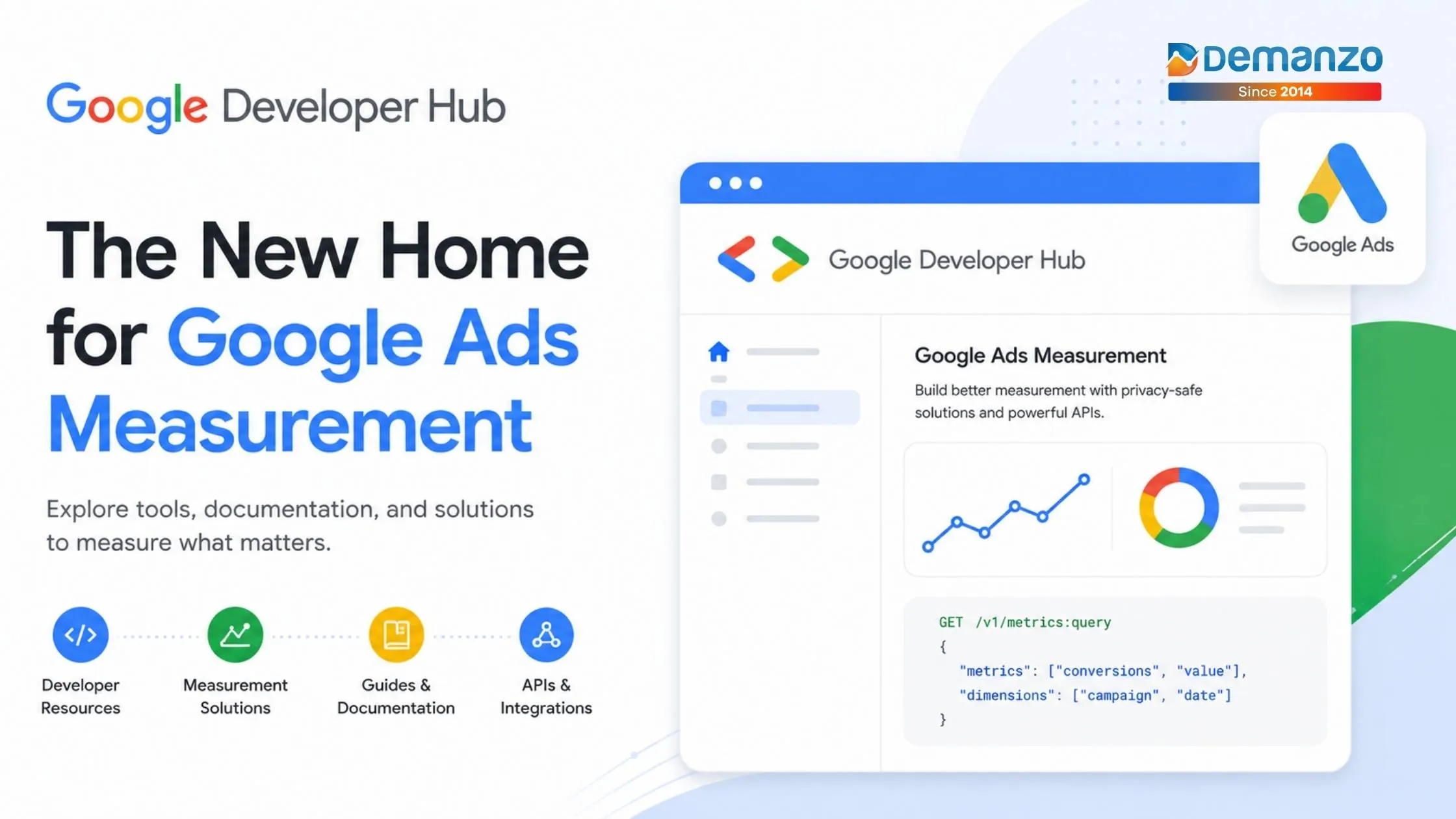
Google Developer Hub: The New Home for Google Ads Measurement
AI bot traffic is exploding in 2026. Discover how bot traffic is reducing
Read more